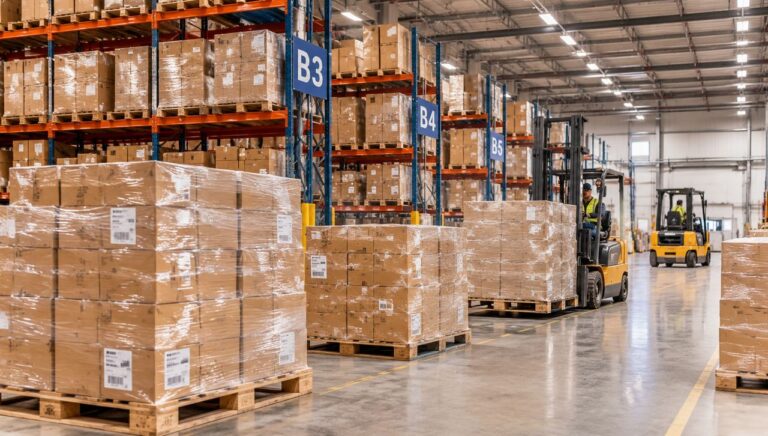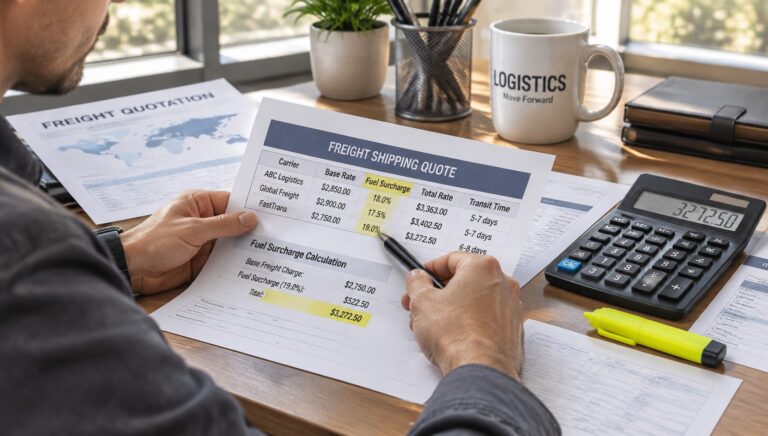

An FNSKU label on a product identifies inventory within Amazon’s fulfillment network and helps associate a unit with the relevant seller’s offer. When Amazon requires FNSKU labeling for an FBA product, the label must match the intended inventory and remain readable after packing and handling. A correct label helps prevent barcode identification problems during fulfillment center receiving.
The first decision is whether the product needs an FNSKU barcode or can use an eligible manufacturer barcode under the current settings for the seller’s account and product. Check the labeling instructions in Seller Central before printing labels or preparing a shipment. If an FNSKU is required, verify the code, label placement, packaging condition, and visibility of other barcodes on every sellable unit. A properly printed label does not by itself establish that the product meets every packaging, preparation, or inbound shipment requirement.
What an FNSKU Label Identifies
FNSKU stands for Fulfillment Network Stock Keeping Unit. Amazon uses this identifier to track eligible inventory in its fulfillment network. Unlike a general product identifier, an FNSKU is associated with inventory for a particular seller’s offer, helping Amazon distinguish units that may otherwise share the same underlying product identity.
The FNSKU code and its barcode serve different purposes from the product’s physical packaging or shipping carton label. The code identifies the relevant inventory record, while the machine-readable barcode allows compatible scanning systems to retrieve that identifier. The label does not replace the product’s required markings, safety information, shipping documentation, or shipment identification labels.
For practical purposes, an FNSKU label should answer three questions before a unit leaves the preparation area: Does the code belong to the intended product and seller offer? Can the barcode be scanned reliably? Does the label remain attached and visible in the condition in which the unit will arrive at the fulfillment center?
Operational distinction: A product barcode identifies inventory at the unit level, while a shipping carton label identifies a shipment or carton for inbound handling. Do not treat the two as interchangeable, even when both appear on the same package.
When a Product Needs an FNSKU Barcode
Not every product sent through Fulfillment by Amazon (FBA) automatically needs a separately applied FNSKU label. The appropriate barcode depends on the product’s eligibility, the seller’s barcode settings, and the instructions Amazon provides for the specific listing and inbound shipment. The seller should establish that requirement before a supplier starts labeling a production batch.
When the workflow specifies FNSKU labeling, use the barcode generated for the intended product and offer. Do not substitute a UPC, EAN, ASIN reference, or another product’s FNSKU merely because the numbers or packaging appear similar. If the workflow permits a manufacturer barcode, confirm that the product qualifies and that the selected barcode can be used for the intended inventory.
The most reliable checkpoint is the current labeling instruction in Seller Central for the exact product and shipment. If the listing, barcode preference, product condition, or destination marketplace changes, review the instruction again instead of assuming an earlier label remains suitable.
| Item | Purpose | What to verify |
|---|---|---|
| FNSKU | Identifies the relevant FBA inventory | Correct code for the intended offer |
| UPC or EAN | Provides a manufacturer or product-level identifier | Barcode eligibility under current instructions |
| ASIN | Identifies a catalog product | Correct catalog match for the item |
| Carton label | Supports inbound shipment handling | Correct shipment and carton assignment |
These identifiers have related but distinct roles. A matching product name or ASIN does not prove that a printed FNSKU is the right code for a particular seller’s inventory.
Where to Place an FNSKU Label on a Product
Place the FNSKU barcode on an accessible, reasonably flat surface of the individual sellable unit, following the current preparation instructions. The label should remain intact and scannable after the product is packed, handled, and delivered. A flat, unobstructed area generally reduces the risk that seams, folds, glare, or surface curvature will interfere with scanning.
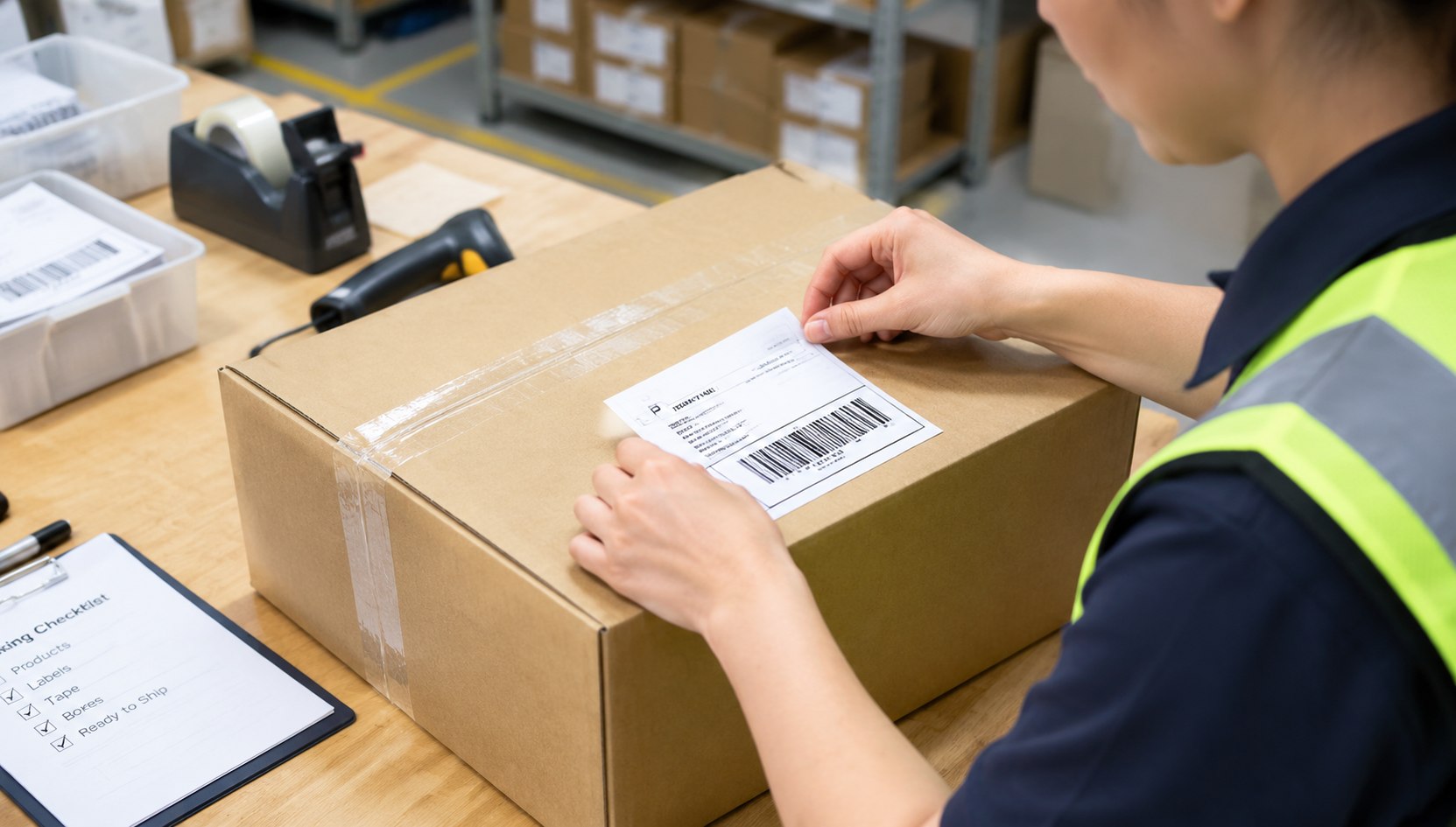
Choose the label location according to the product and its packaging. A carton, bottle, pouch, boxed item, and irregularly shaped product may each require a different placement decision. The objective is not to put every label in one universal position. It is to keep the required barcode easy to locate and scan without damaging packaging or covering information that must remain visible.
Use these placement checks during preparation:
- Use a suitable surface. Avoid corners, sharp curves, package seams, folds, and areas where the label may wrinkle or lift.
- Keep the barcode unobstructed. Do not place tape, seals, stickers, or packaging folds across the bars or printed barcode area.
- Control competing barcodes. When FNSKU labeling is required, follow Amazon’s current instructions for covering or obscuring other scannable product barcodes so the wrong identifier is not scanned. Do not cover barcodes that the current instructions require you to retain.
- Preserve required product information. Keep safety warnings, handling instructions, regulatory markings, and other required information visible.
- Check label adhesion. The label should stay securely attached throughout normal handling and should not peel when the package moves against other units.
The final location should be judged on the prepared unit, not only on the unwrapped product. If an outer bag, sleeve, or protective package will cover the item before shipment, check whether the barcode remains accessible through that packaging or must be placed on the outside according to the applicable preparation instructions.
A Practical FNSKU Labeling Workflow
Use a repeatable sequence to reduce mismatches between product data, printed labels, and packed units. The seller should confirm the code and the required preparation method before assigning labeling work to a supplier or warehouse team.
Confirm the product and barcode requirement
Match the product to the intended Seller Central listing and SKU. Check whether the current workflow requires an FNSKU label or permits an eligible manufacturer barcode. Resolve any mismatch before printing.
Generate the correct label file
Obtain the label from the appropriate Amazon workflow for the intended inventory. Check the product reference and printed code against the preparation record. Do not reuse a label file from a different SKU or assume an old batch remains valid after a listing change.
Print and inspect a sample
Use a suitable label size and print quality for the supplied barcode. Inspect the first label for missing bars, smudges, low contrast, scaling problems, or clipped content. Test readability with a compatible scanner where available before applying labels at scale.
Apply the label to each required unit
Follow the approved placement method and check that the label lies flat and remains secure. Apply the correct identifier to every unit that requires individual labeling, including separate units within a prepared multipack when the relevant instructions require unit-level identification.
Inspect completed preparation
Compare the labeled units with the approved product and packaging record. Check the code, legibility, adhesion, barcode visibility, and treatment of other scannable barcodes. Separate exceptions for correction rather than allowing uncertain units into the shipment.
Release the shipment only after the handoff check
Confirm that the unit labels, packaging, shipment plan, and carton labels correspond to the intended inbound shipment. Retain a batch or inspection record when the operation requires one, so a labeling issue can be traced to the relevant SKU, production lot, or preparation run.
For sellers coordinating sourcing, preparation, and delivery, the labeling handoff should be agreed before the goods leave the supplier. The Amazon FBA service is a relevant logistics option to review when planning how products will be prepared and moved into Amazon’s fulfillment network. Confirm the actual scope of any preparation work, who will apply the labels, and who will approve the shipment before assigning responsibilities.
Common FNSKU Labeling Mistakes and Operator Checks
Most preventable labeling problems begin before dispatch. A label may look acceptable to the person applying it but still identify the wrong inventory, fail under scanning, or become unreadable after final packaging. Operators should inspect both the printed code and the finished package.
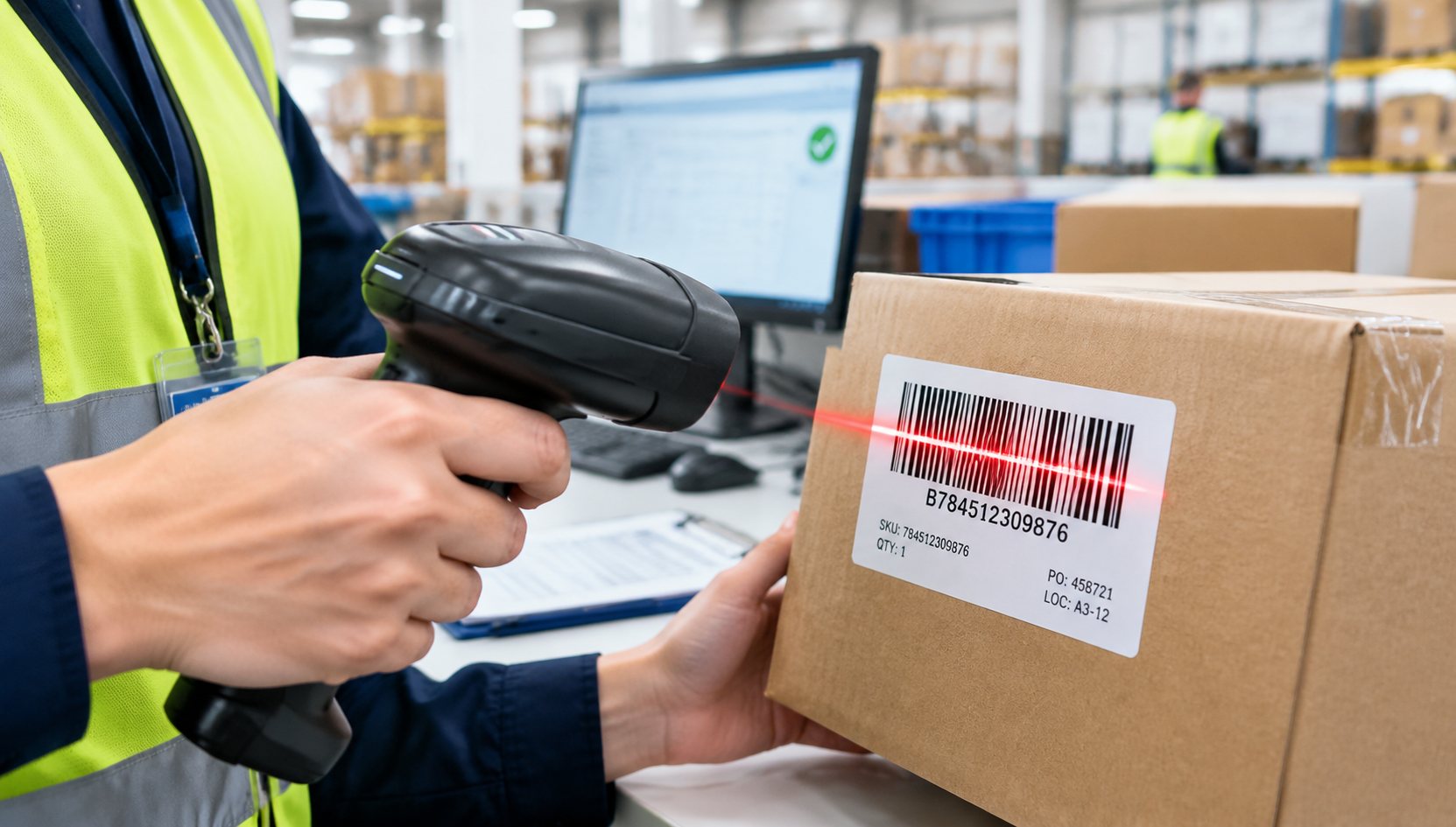
Mistake: Reusing a barcode from a similar product. Products may share a brand, appearance, or catalog family while requiring different inventory identifiers. Compare the code with the exact listing and SKU before labeling. Stop the batch if the printed identifier does not match the approved record.
Mistake: Treating visible printing as proof of scanability. A barcode can appear clear while suffering from low contrast, distortion, poor scaling, wrinkling, or obstruction. Inspect the finished label and test representative units with compatible scanning equipment when available. Reprint and reapply labels that fail inspection.
Quality checks should also distinguish a product-level issue from a shipment-level issue. A correct FNSKU will not correct an incorrect carton label, an inaccurate shipment plan, or packaging that fails a separate preparation requirement. Assign each check to the team that controls the relevant stage, and resolve a discrepancy before the goods move to the next handoff.
Pre-dispatch check: Compare a labeled unit with its approved SKU record, inspect the barcode after final packaging, and verify the carton label against the shipment plan. If the product or packaging differs from the approved preparation method, pause release and confirm the required correction with the responsible party.
Disclosure: This guide provides general logistics information and may refer to services relevant to the topic. Carrier terms, customs requirements, fees, service coverage, and operating conditions can change. Confirm current requirements and responsibilities before acting.
Key Takeaways
- An FNSKU label connects an individual unit to the relevant inventory record within Amazon’s fulfillment network.
- Check the current Seller Central workflow to determine whether the product needs an FNSKU or can use an eligible manufacturer barcode.
- Use the identifier generated for the exact product and offer; do not substitute a similar-looking code.
- Place the barcode on a stable, visible surface where it will remain legible after final packaging and handling.
- Inspect label accuracy, scanability, adhesion, competing barcodes, and carton identification before dispatch.
Frequently Asked Questions About FNSKU Labels
What does FNSKU mean on an Amazon product?
FNSKU means Fulfillment Network Stock Keeping Unit. It identifies inventory within Amazon’s fulfillment network and helps associate a unit with the relevant seller’s offer. The exact barcode requirement depends on the product and current account and listing instructions.
Does every FBA product need an FNSKU label?
No. Some products may be eligible to use a manufacturer barcode under the applicable settings and rules. Check the current Seller Central workflow for the exact listing before deciding whether to print and apply an FNSKU label.
What is the difference between an FNSKU and a UPC?
An FNSKU identifies the relevant inventory in Amazon’s fulfillment network, while a UPC is a product identifier commonly used in retail and supply chains. They serve different purposes, so a UPC should not replace an FNSKU when the shipment instructions require FNSKU labeling.
Where should I place an FNSKU label on a product?
Use a flat, accessible surface on the individual sellable unit, following the applicable preparation instructions. Avoid folds, seams, curved areas, and obstructions that may affect scanning. Check the finished packaging to confirm that the barcode remains visible and readable.
Should an FNSKU label cover the manufacturer barcode?
When FNSKU labeling is required, Amazon’s applicable instructions may require other scannable product barcodes to be covered or obscured. Confirm the current instructions before applying the label. Do not cover required product information or a barcode that the workflow directs you to retain.
Can a supplier apply FNSKU labels before shipping?
A supplier or preparation provider may apply labels when the scope of work and the applicable requirements permit it. The seller should provide the correct label files, define the packaging and placement instructions, and agree on inspection responsibility before production or dispatch.
What should I do if an FNSKU barcode will not scan?
Check the printed code against the intended product record, then inspect print quality, scaling, contrast, label condition, and obstructions. Reprint and reapply a label that fails inspection. If the code itself does not match, stop the affected units and confirm the correct identifier before release.
Is an FNSKU label the same as an FBA carton label?
No. An FNSKU label identifies inventory at the product-unit level, while a carton label supports inbound shipment and carton handling. Apply the appropriate labels at their respective levels and verify that each matches the intended product or shipment record.
Disclaimer: This article is general informational guidance, not a binding quotation, legal opinion, customs ruling, carrier commitment, or delivery guarantee. Requirements, charges, service terms, and responsibilities can vary by route, cargo, contract, carrier, and jurisdiction. Confirm current requirements before booking or filing.